

 Türkiye (Türkçe)
 Worldwide (English)
1. Log in to your Plesk account.
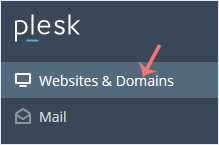
2. Click on Websites & Domains from the Sidebar Menu.
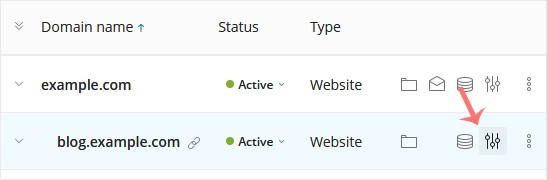
3. Under the list of Domain names, click on the  Hosting Settings icon appearing in the same row of the subdomain.
4. Next to the Hosting Type, choose Change, displaying next to Website.

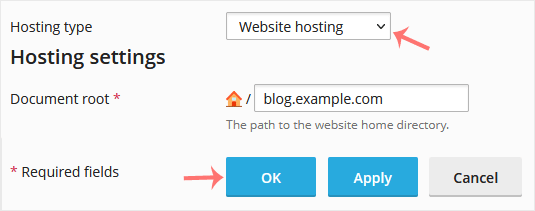
5. Under Hosting Type, select the Website Hosting option from the drop-down menu and confirm with OK.