


 Turkey (Türkçe)
 Worldwide (English)
You can change your email password in SiteWorx through the following steps:
1. Log in to your SiteWorx account.
2. In the Email section, click on Mailboxes.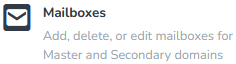
3. Click on the Pencil icon showing next to the email account.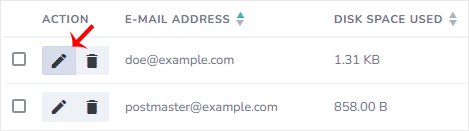
4. Enter the new password or click on Magic Wand to generate one.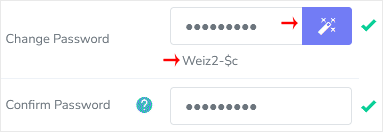
5. Click on Save.
You should see a success message.