

 Turkey (Türkçe)
 Worldwide (English)
Sometimes, we need to debug PHP. Hence, we need to enable display_errors or disable them for security reasons. You can do this using the CloudLinux Selector to enable or disable PHP's display_errors in Plesk.
1. Log in to your Plesk account.
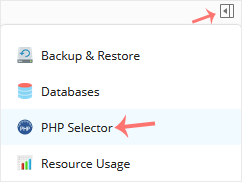
2. Click on the Pull icon in the right sidebar and choose PHP Selector.
3. Click on the Options menu.

Note: If the Options page shows an error related to the native PHP version, change it to a non-native version first.
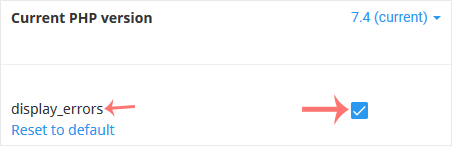
4. For enabling display_errors, checkmark it. For disabling it, uncheck it.